Mikrotik N8N To NTFY Notifications
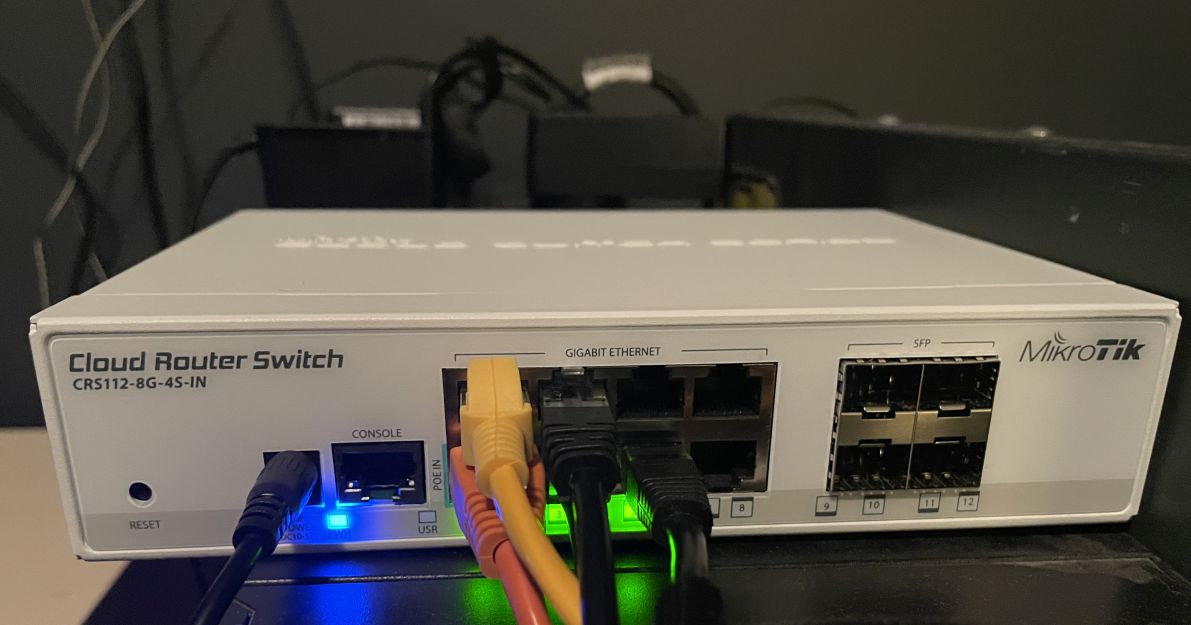
We have a network switch CRS112 device that is very capable at what it does, we purchased it mainly for cost effectiveness, ease of configuration, and speed. We have several Mikrotik switches that have Layer 2 hardware acceleration.
I do have some experience with Mikrotik devices, I’m MTCNA certified (Mikrotik Certified Network Associate); a special shout out to Wilmer Almazan at the Network Trip, the man is a genius, and receiving in-person training from Wilmer was an amazing experience.
A Mikrotik switch has special hardware chips; here is a link with more info. I couldn’t figure out out to send out push notifications directly from the device… all I needed the curl command or equivalent, but I didn’t see that as something I could “call” using the logging function.
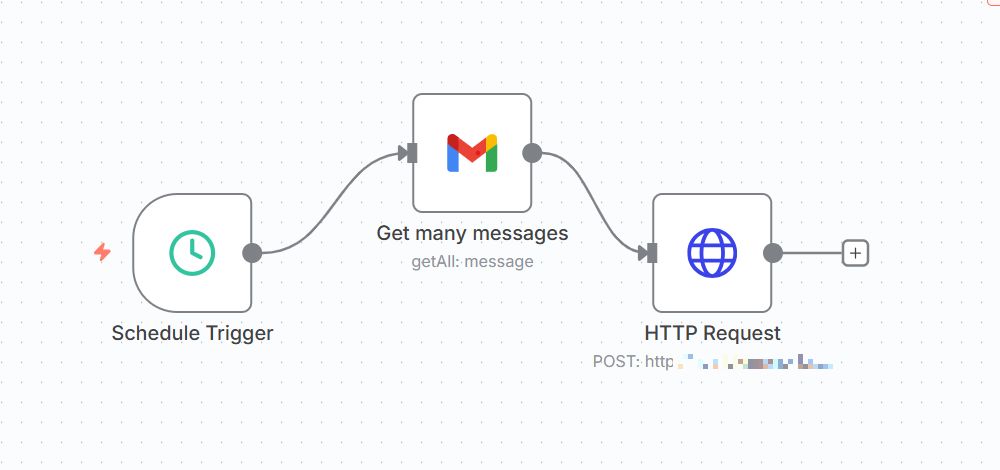
We use the N8N automation service (running in Linode) used to check Gmail for a new messages. We used the 2nd step to check to see if a msg that meets the criteria; has arrived within the last 5 minutes… finally if it finds a message – it sends an HTTP Request to the notification server and my phone get a push notification alerting me to the security event.
Here is the communication workflow:
Mikrotik switch SMTP to Gmail –> N8N Service –> Notification Service
First you have to setup the Mikrotik to send email(s) for critical events… the first image is configurable under “Tools\Email”, and the other images are under “System\Logging” via Winbox.
Also in Gmail – you will have to setup an App Password: myaccount.google.com/apppasswords


Here you setup the N8N service


Finally for the notification service; you need to subscribe to the “switch_alert” topic so that your phone app will receive push events. In the next work related post, we are going to explore the world of network firewalls and how they can protect our ass(ets).
Jason

Related Posts
Mikrotik Switches and Imaging