My life is a total mesh! lol.. :)
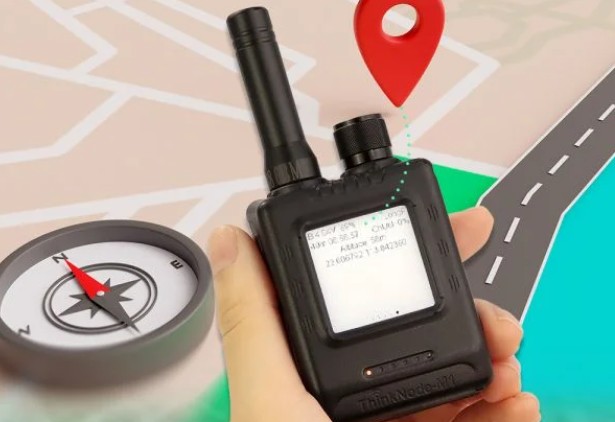
If you’ve been following my blog at all.. you’ll know I bought the ThinkNode M1 Meshtastic Transceiver. I’m going to write a series of “How To” posts regarding getting started with the M1.
To save time, in a nutshell – this device for those who don’t know – it it a long range Meshtastic communication device that operates in the 915MHz range… it is great for mobility, hiking, etc. With the built-In GPS, you can know your lat/long at any time.. I love that!
I should add a little more context; the LoRa region aka.. United States /915 MHz will get your M1 to operate in a frequency that is the default for your geo location. The M1 will regularly broadcast your Node info (long & short name) so other nodes can discover it over that 915 band – ergo (no cell tower required ) when 2 nodes are close enough… and with your built-in GPS (turned on) also periodically broadcasts your position (lat/long) to the mesh, so any other Meshtastic device on the the default public channel and in range will automatically detect your Node.
One of my passions is true crime, mystery stories, lost hiker stories.. etc.. how many times it would have been useful for a lost person to say I’m at “Oh, I’m at +32.30642, -122.61458… instead of “I don’t know where I am… I see buildings in the distance...”, uh ok – that narrows it down.
*Small rabbit trail but I have to say it… this may save your life, just a word to the wise; tell the most reliable person you know – where you are going hiking, which trail specifically, and for how long – don’t hike alone that is usually a bad idea. Bring warm clothes, good boots, a good knife, and a Firestarter, cell phone| charge cable | battery bank. Bring plenty of water and assorted nuts for energy. Don’t leave the trail, even to pee, bring a compass as well. If you are forced off the trail… stop walking for gosh sakes. If you are very lucky, another person on the trail or near the trail may also have a Meshstastic device. The beauty of these devices is that they are made for off grid communications – they have a default public channel for emergencies if need be.. and to that end, an M1 is perfect for the job.
Anyway… one of the first things you might want to do is
- install the Meshtastic app from your App store
- charge your M1 using the USB-C cable
- install your little lanyard cable on your device
- set the GPS to the on position – bump it to the top position for ON
- turn it on by turning the top dial slightly clockwise – it will make a single distinct click sound
- ensure Bluetooth on your phone is enabled
- open the Meshtastic app
- connect to your M1
- click on [settings]
- navigate to [Radio Configuration]
- click on [Lora]
- under [Region], select [United States] *when in North America
- go back, save if required
- navigate to [Device Configuration] section and select [User]
- set a long name
- set a short name *it can be an emoji.. mine is a Ninja 🥷 🙂
- you may need to [save] during this process and your M1 may reboot at that time
This is what the [Connected] screen may look like once you are connected to your M1
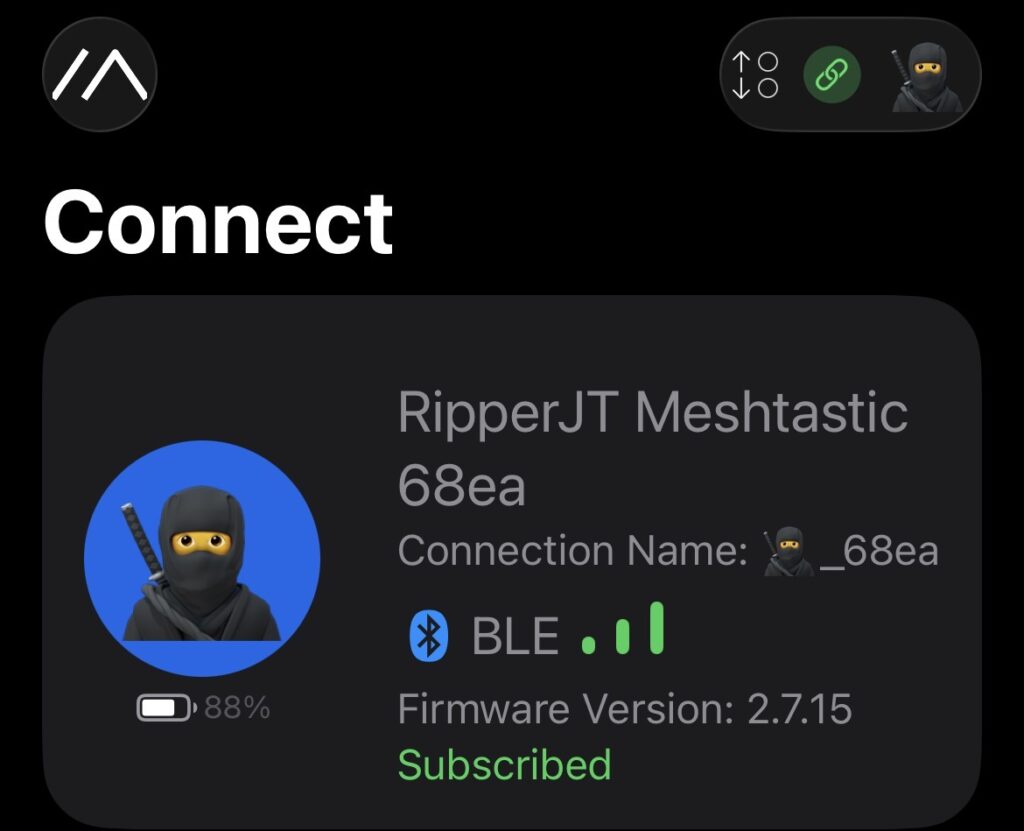
There will be more in-app settings to come!
Jason